Brainchild — a plugin by Sungwoo
Grow your
own sounds.
Drop any two sounds into A and B and hit Grow. Brainchild morphs them into 8 brand-new sounds, synthesised from scratch. Drums, tones or loops: you never know what you'll get. Star the keepers and you're building your own sound pack.
- Morph two sounds into brand-new ones
- Drums, tones and loops
- Build your own sound pack
30-day money-back guarantee · instant download
below

Sound familiar?
The problem.
Everyone uses the same packs
The kick and the pluck in your beat are in thousands of other beats.
Sound design is a rabbit hole
Synths, envelopes, resampling... hours of tweaking before you make a sound you like.
Layering goes muddy
Stacking two samples smears the hit and fights in the low end.
Brainchild morphs two sounds into new ones from scratch, so there's no layering and no mud. Grow, star the keepers, drag them into your beat.
What it fixes
Problem in. Solved.
GROW
8 brand-new sounds every press, from close copies to far-out (WILD). Like a mad scientist, you never know what you'll get.
DRUM, TONE, LOOP
Morph drums, pitched tones that play in tune across your keyboard, or loops cut hit by hit into new chops and drum patterns.
THE WEB
Every sound is wired to its parents. Regrow any of them or breed it again.
YOUR SOUND PACK
Star a sound and it's saved as a WAV. Search, rename and sort into folders. All original, all yours.
PITCH + TEMPO
Pitch A and B, and loops at different tempos line up on A's grid.
DRAG TO DAW
Drag any sound or loop straight onto a track.
How it works
Three steps. That's it.
Made for producers who want sounds nobody else has.
Drop in two sounds
A and B: drums, tones or loops.
Hit Grow
8 new sounds, different every time.
Star and drag
Keep the best, drag them into your beat.
Who made this
Built by an artist and producer.
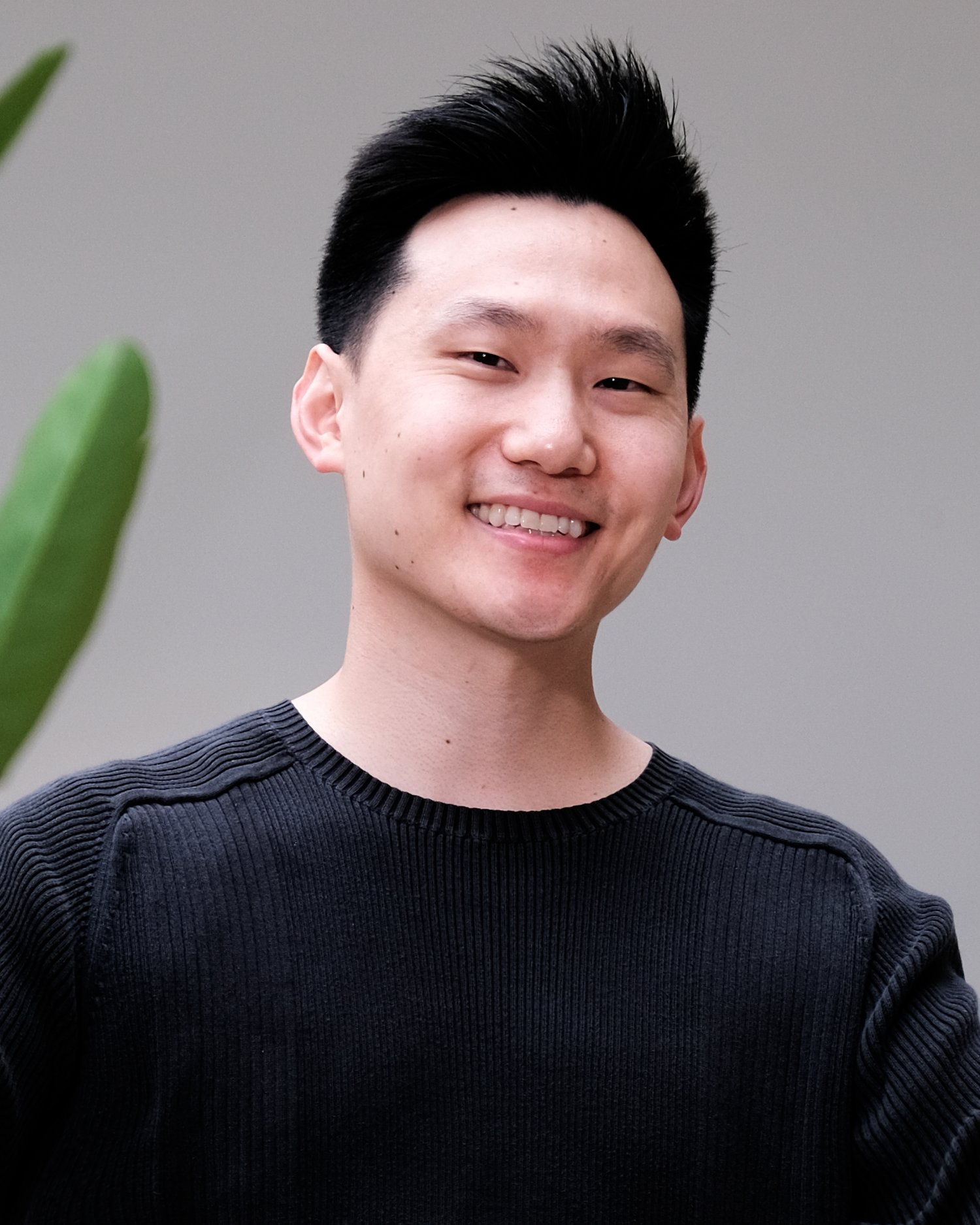
I'm Sungwoo, an artist and producer. I've been making music for over a decade, and I build tools for the parts that slow me down.
Making your own sounds should feel like an experiment, not homework. Brainchild lets you play mad scientist: mix two sounds and see what grows. Every sound is original, so you can build a sound pack nobody else has.
Morph two sounds into brand-new one-shots and loops. You never know what you'll get, and every sound is yours, so build your own sound pack.
One plugin. One price.
Get Brainchild.
Brainchild 1.0 · Mac & Windows
$49
One-time · yours forever · free updates
- DRUM, TONE and LOOP modes
- GROW 8 new sounds at a time, from close copies to far-out
- Family web: regrow or breed any sound again
- Pitch for A and B; loops at different tempos line up
- Star to a WAV library you can search, rename and sort
- Drag any sound or loop into your DAW
- VST3 + AU (Mac) · VST3 (Windows), unlock on up to 3 computers
- 30-day money-back guarantee
Instant download · license key emailed to you
The bundles
All 10 for $149. Save 50%.
Every Hey Sungwoo tool, $300 bought one by one. Or start with 5 plugins for $99.
Questions
Asked & answered.
Will it work in my DAW?
Yes. Brainchild ships as VST3 and AU, so it runs in Logic, Ableton, FL Studio, Studio One, Reaper, GarageBand and any DAW that loads those formats. Pro Tools (AAX) isn't supported yet.
Mac or Windows?
Both. Mac (Apple Silicon and Intel, AU + VST3) and Windows 10/11 64-bit (VST3). One purchase covers both.
Do I need to know music theory or mixing?
No. That's the whole point. Everything is built so you can get a great result fast, then tweak if you want to.
How do I install and unlock it?
Right after checkout you get an email with the download and your license key. Run the installer, put Brainchild on a software instrument (MIDI) track, click Unlock and paste your key. After that it works offline.
How many computers can I use it on?
Your key unlocks up to 3 computers.
Is it a subscription?
Never. One payment, yours to keep, with free updates.
What if it's not for me?
30-day money-back guarantee, no questions asked. Put it on a real beat, and if it doesn't earn its spot, email sungwoo@heysungwoo.com for a full refund.
Windows says "Windows protected your PC". Is it safe?
Yes. That warning shows for new apps from independent developers. Click "More info", then "Run anyway".