Sample Slice — a plugin by Sungwoo
Two samples.
One new flip.
Drop in two samples. Sample Slice matches their tempo and key, chops them up and mashes them together across your keyboard. Hit Randomize until a flip grabs you.
- Load two samples. Tempo and key matched for you
- Randomize mashes both across your keys
- Play it like an MPC, drag the MIDI out
30-day money-back guarantee · instant download
below

Sound familiar?
The problem.
Same sample, same flip
You chop it the same way every time, and every beat starts to sound alike.
Chopping takes forever
Slicing, mapping and rearranging by hand kills the idea before it lands.
Two samples never fit
Different tempos, different keys. Getting them to work together is a whole project.
Sample Slice does the boring part for you: it lines both samples up in time and in key, cuts them into chops and deals them out across your keys. You just play and pick.
What it fixes
Problem in. Solved.
DECKS A + B
Load a second sample (optional). B is matched to A's tempo and key, or the other way around.
KEY MATCH
Sample Slice detects the key and moves everything into the key you pick, in time with your DAW.
RANDOMIZE
Mashes chops from A and B across your keys. Don't like it? Back. Love it? Keep it.
PLAY IT
Every key is a chop. Play the flip on your MIDI keyboard like an MPC.
MIX EACH
Volume, pitch, reverse, tape and low / high cut for each sample, so A or B can lead.
DRAG MIDI
Drag your performance straight into your DAW. Right-click any key to reverse, mute, stutter or pitch it.
How it works
Three steps. That's it.
Made for producers who love flipping samples and want a fresh idea every time they open a session.
Load A (and B)
Drag in your samples. Tempo and key are found for you.
Hit Randomize
Chops from both samples land across your keys.
Play and drag
Play the flip, then drag the MIDI into your beat.
Who made this
Built by an artist and producer.
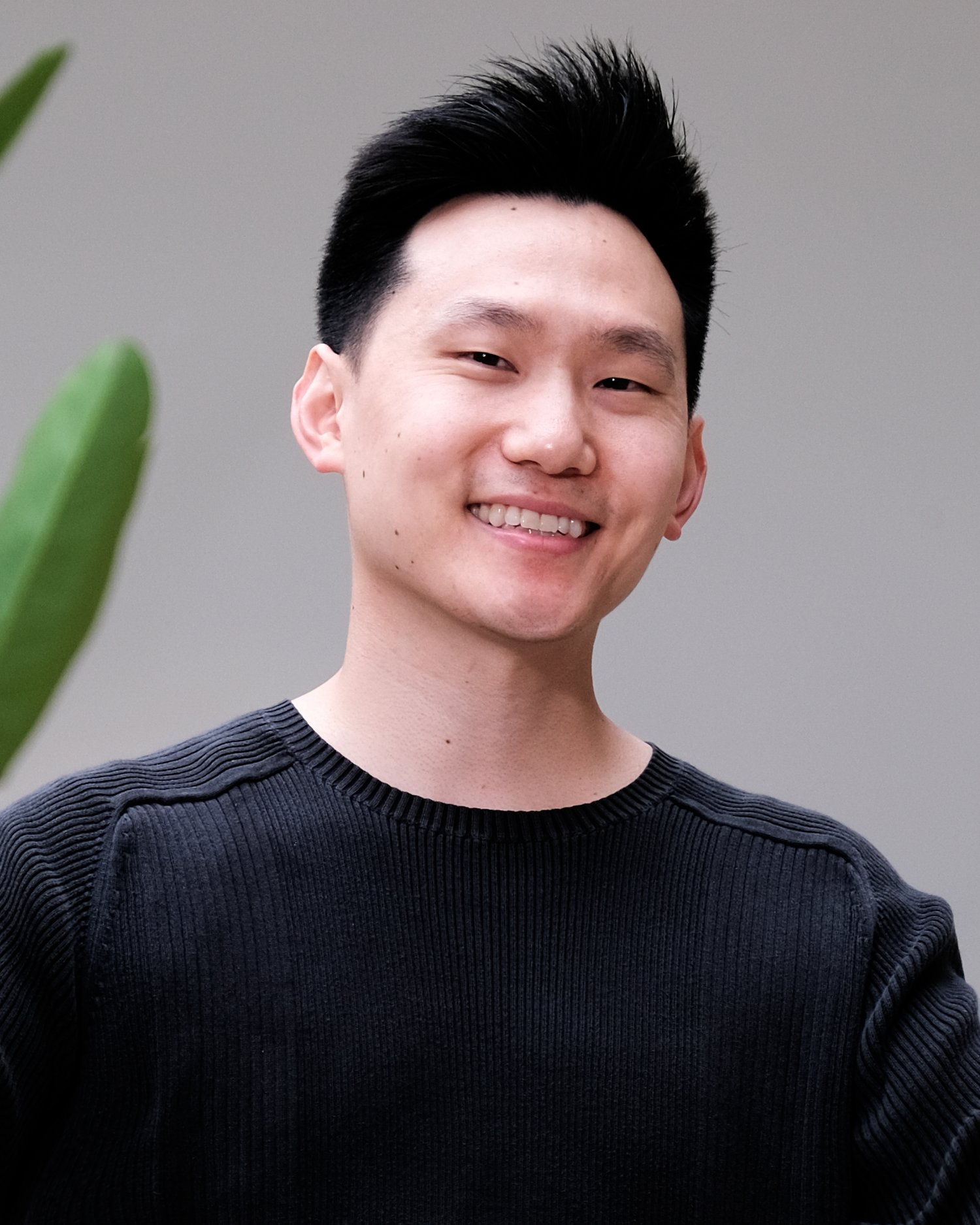
I'm Sungwoo. I've been making music for over a decade. I produced for pH-1 on his debut with a major Korean label, performed at KCON three times and been featured on Korean national TV.
Flipping one sample the same way gets old fast. Mashing two samples together is where the magic is, but lining up the tempo and key by hand kills the idea. Sample Slice does that part for you.
Mash two samples into one new flip: tempo and key matched, chopped across your keys, new idea every click.
One plugin. One price.
Get Sample Slice.
Sample Slice 1.0 · Mac & Windows
$29
One-time · yours forever · free updates
- Two decks (A + B), tempo and key matched
- Randomize mash-up across your keys, with Back
- Per-sample volume, pitch, reverse, tape, low / high cut
- Right-click key edits: reverse, mute, stutter, pitch
- Drag MIDI into your DAW
- VST3 + AU (Mac) · VST3 (Windows), unlock on up to 3 computers
- 30-day money-back guarantee
Instant download · license key emailed to you
The bundle
All 6 for $99. Save 40%.
SampleSauce, VocalSauce, Sample Slice, City Seoul, Glitchy Seoul and Catch. $164 bought one by one.
Questions
Asked & answered.
Will it work in my DAW?
Yes. Sample Slice ships as VST3 and AU, so it runs in Logic, Ableton, FL Studio, Studio One, Reaper, GarageBand and any DAW that loads those formats. Pro Tools (AAX) isn't supported yet.
Mac or Windows?
Both. Mac (Apple Silicon and Intel, AU + VST3) and Windows 10/11 64-bit (VST3). One purchase covers both.
Do I need to know music theory or mixing?
No. That's the whole point. Everything is built so you can get a great result fast, then tweak if you want to.
How do I install and unlock it?
Right after checkout you get an email with the download and your license key. Run the installer, put Sample Slice on a software instrument (MIDI) track, click Unlock and paste your key. After that it works offline.
How many computers can I use it on?
Your key unlocks up to 3 computers.
Is it a subscription?
Never. One payment, yours to keep, with free updates.
What if it's not for me?
30-day money-back guarantee, no questions asked. Put it on a real beat, and if it doesn't earn its spot, email sungwoo@heysungwoo.com for a full refund.
Windows says "Windows protected your PC". Is it safe?
Yes. That warning shows for new apps from independent developers. Click "More info", then "Run anyway".